
TXT and SRT
Users can export text in TXT for reading or SRT for editing and localization.
A hidden panel and a missing caption track are different problems. Find out which one you have before installing tools or paying to transcribe the video.
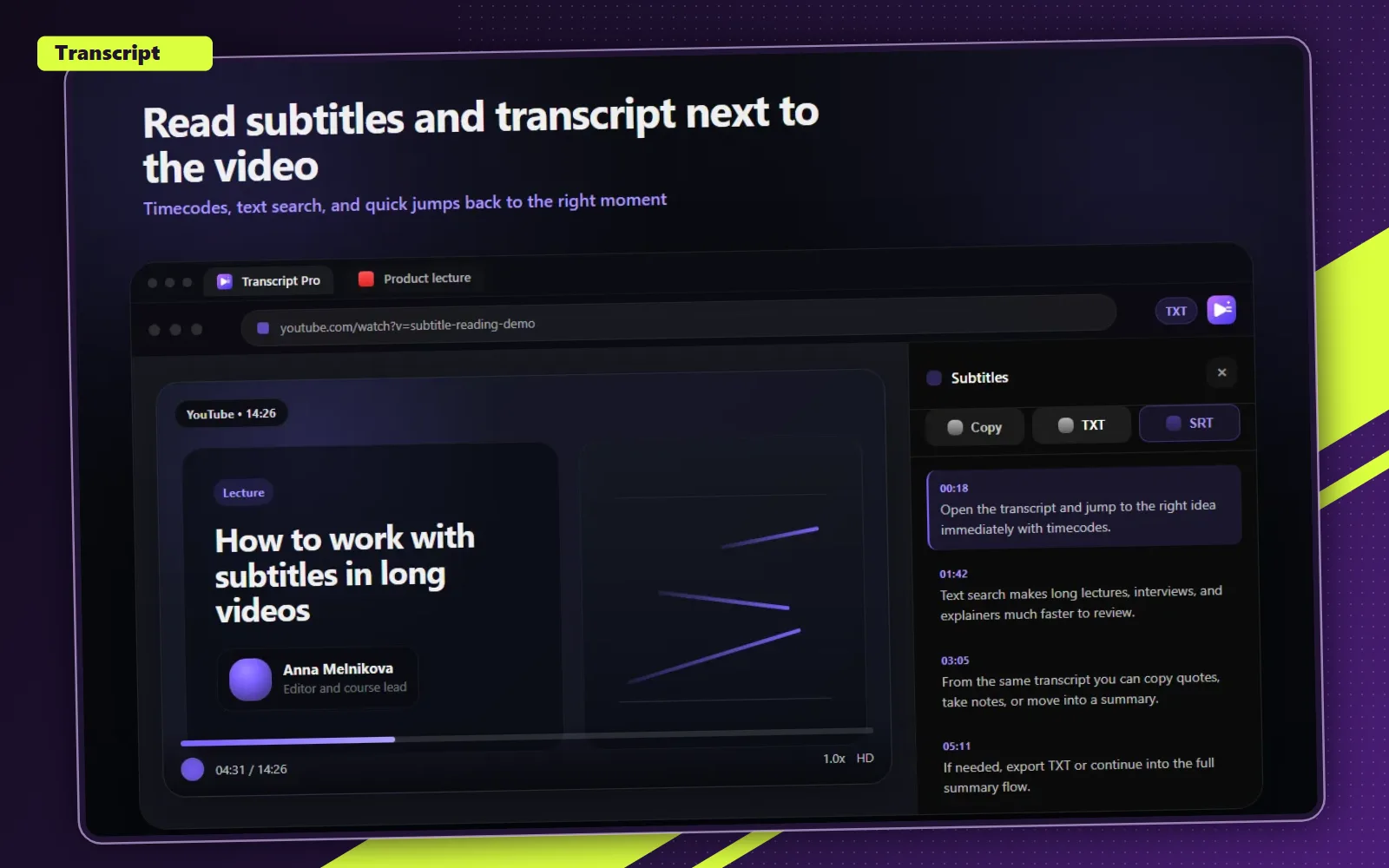
These screenshots show readable text, timecodes, and faster navigation through the video.
Users can export text in TXT for reading or SRT for editing and localization.
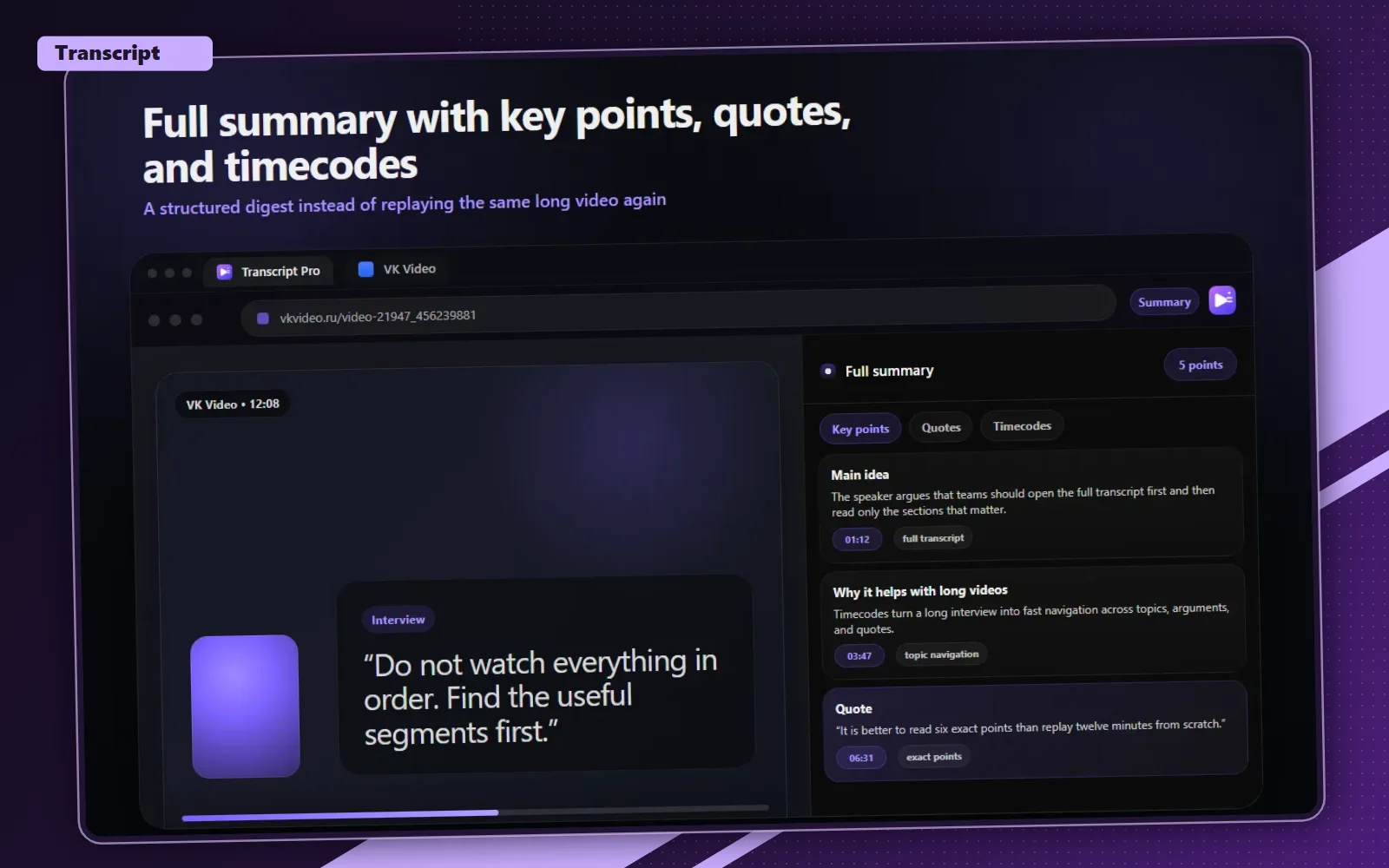
The full summary turns a long video into key points, quotes, and time references.
Look for CC and the Subtitles/CC menu. Select an available language and play a short section. If words appear, a caption track is available in this session. An image of text burned into the video is not the same thing.
YouTube's own help places Show transcript in the video description. On a video with captions, open that panel and select a line to jump to its moment. Menu labels and layout can differ by device or interface language.
Reload once and compare with another video that has working CC. If only one video fails, the issue may be specific to that track. If multiple videos fail, compare a fresh browser session; this is a diagnostic check, not a guaranteed fix.
| What you see | What it tells you | Next step |
|---|---|---|
| CC works, native panel does not | Captions exist, but the transcript view is unavailable | Try Transcript in desktop Chrome, then verify the first lines |
| No available caption language | No track is accessible in this session | Do not expect a subtitle downloader to create speech recognition |
| Text is drawn into the picture | Burned-in text is not a subtitle track | If you have an authorized video file, use speech transcription for its audio |
| A private or restricted video | Access to the video itself is limited | Use the owner's permitted access; do not try to bypass restrictions |
Open the video in desktop Chrome and launch Transcript. Wait for the text to load, compare its first lines with the spoken audio and test a timestamp before exporting. You can then continue to the YouTube subtitle download guide for TXT and SRT instructions. Export options depend on the current product plan.
If you have several copies of Transcript enabled, keep just one while diagnosing. Updating the extension does not add captions to every video: a missing source track and an extension extraction error require different solutions. Do not repeatedly restart paid processing to test whether a caption track exists.
Automatic captions may not yet be ready for a new upload. YouTube also documents audio and recognition conditions that can prevent them. A missing button alone does not establish which condition applies to your video.
If you own or have permission to process a video or audio file, use the file transcription page instead. It recognizes speech rather than downloading an existing caption track. Check the displayed free sample and processing terms before starting a full recording. Transcript does not provide a way to download a restricted video or turn text baked into frames into a subtitle track.
Use desktop Chrome, open the extension on the video and verify the text before relying on it. No guarantee is made for unavailable source tracks.
Try Transcript in desktop Chrome